
Lightweight, reliable 2FA manager轻量、可靠的双重验证管理
Privacy-first and easy to use专注隐私与易用性
Key Features主要特性
- Quickly add and manage 2FA accounts快速添加与管理 2FA 账号
- Local-first and secure data本地优先与数据安全
- Clean UI with clear hierarchy简洁界面与明确信息层级
- Supports iPad and Apple Watch支持 iPad 与 Apple Watch
Screenshots应用截图
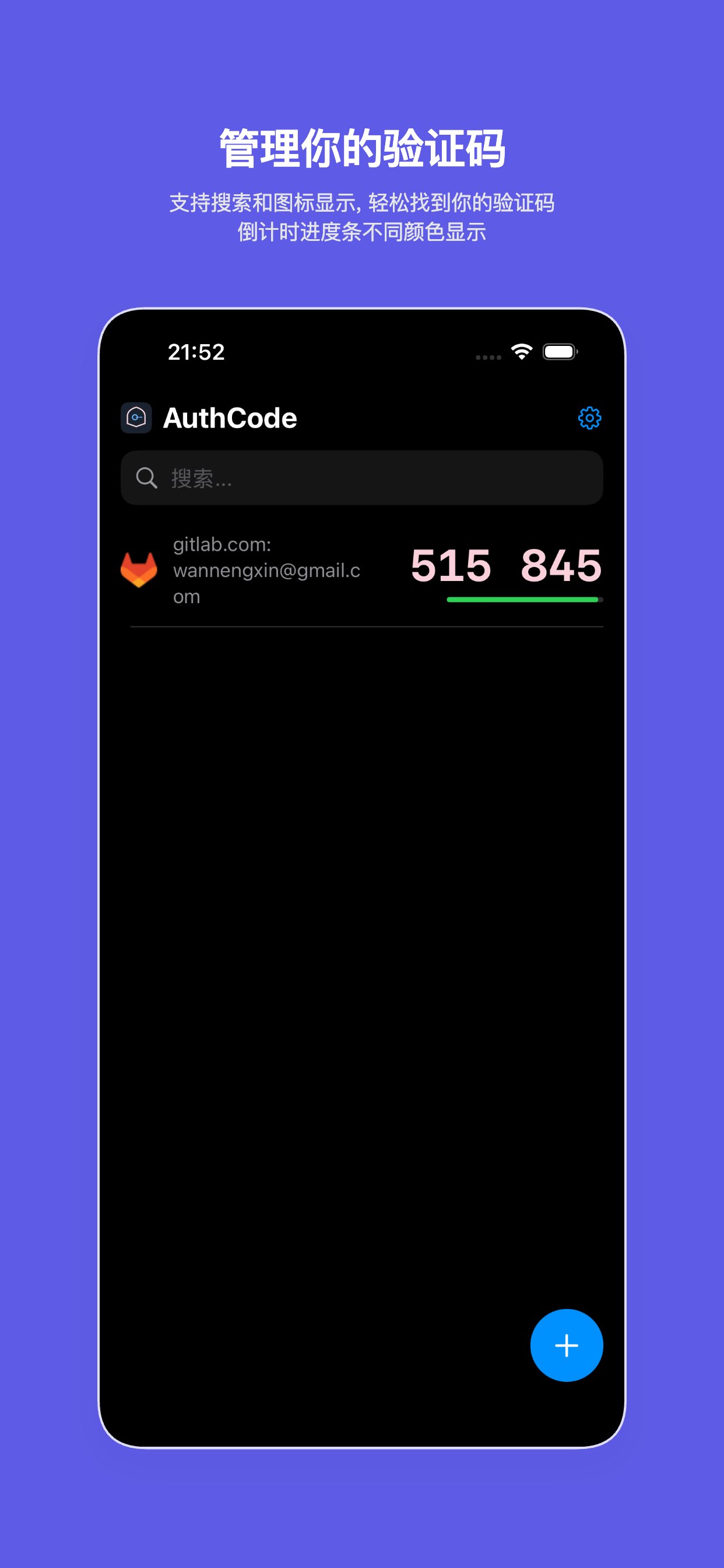

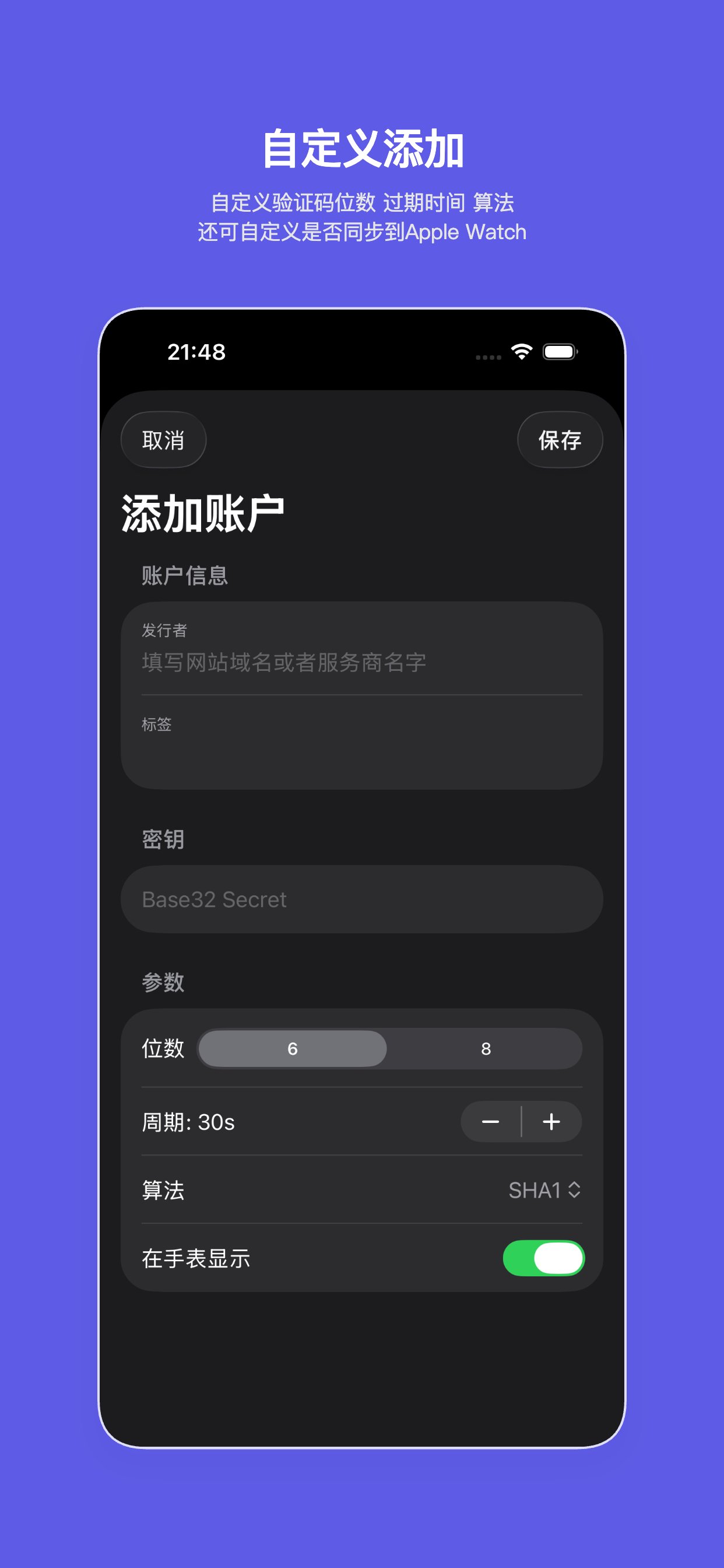
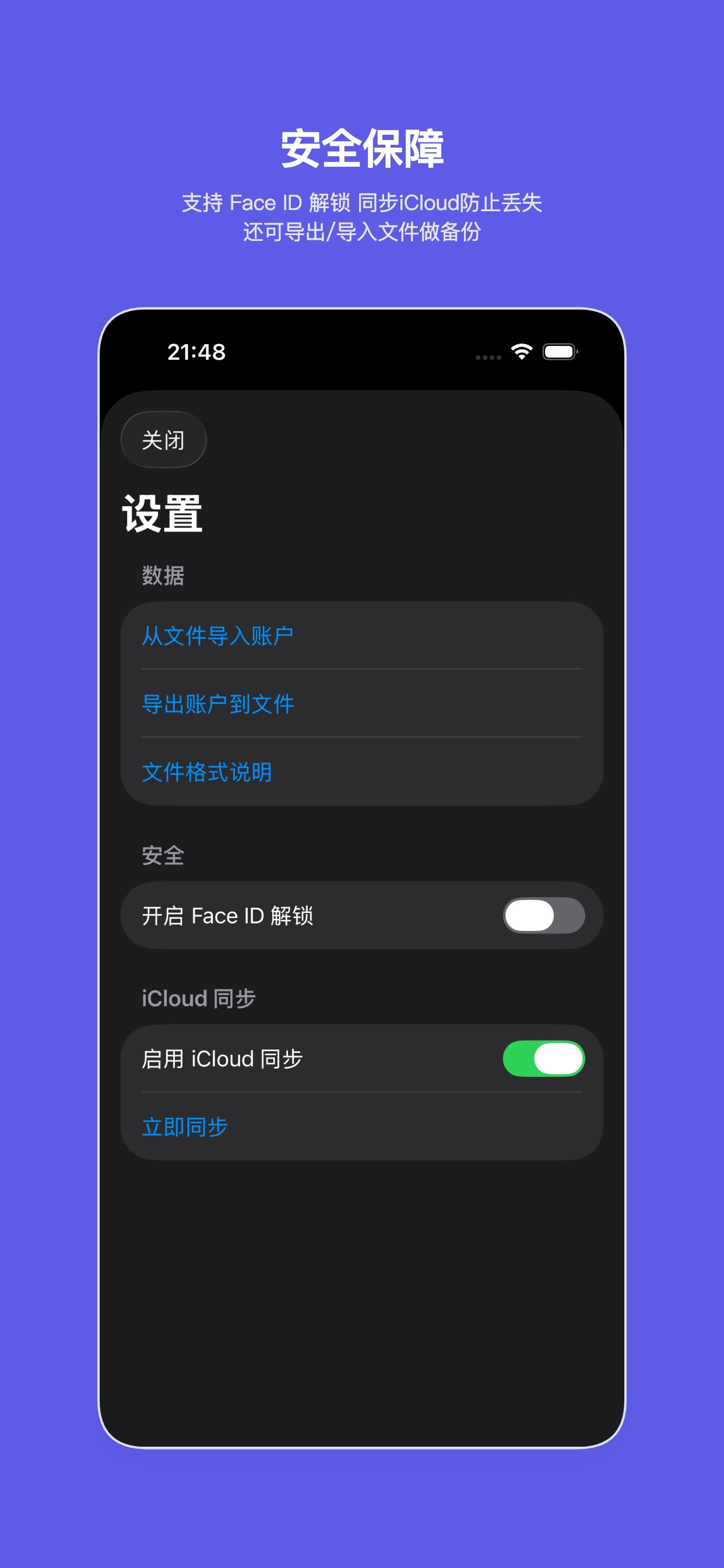
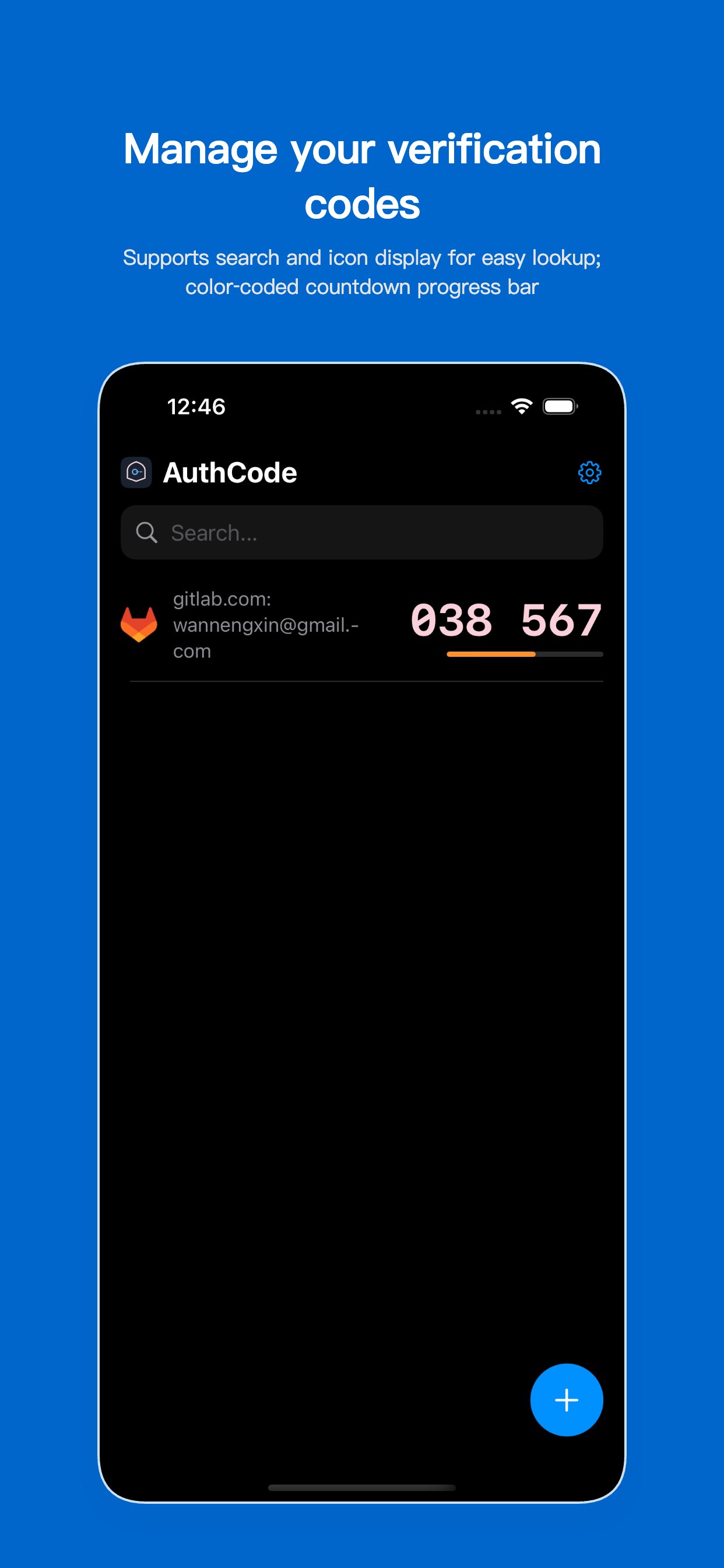
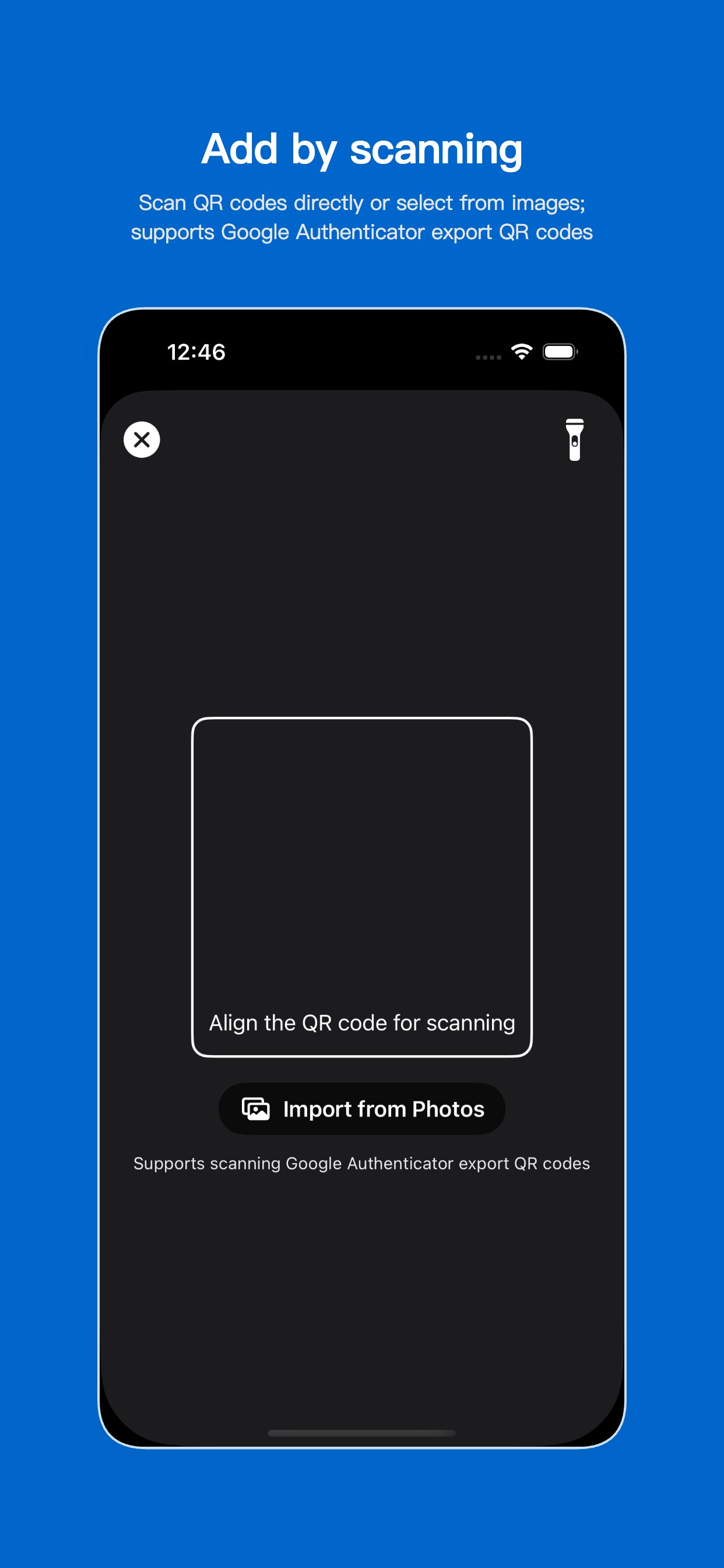

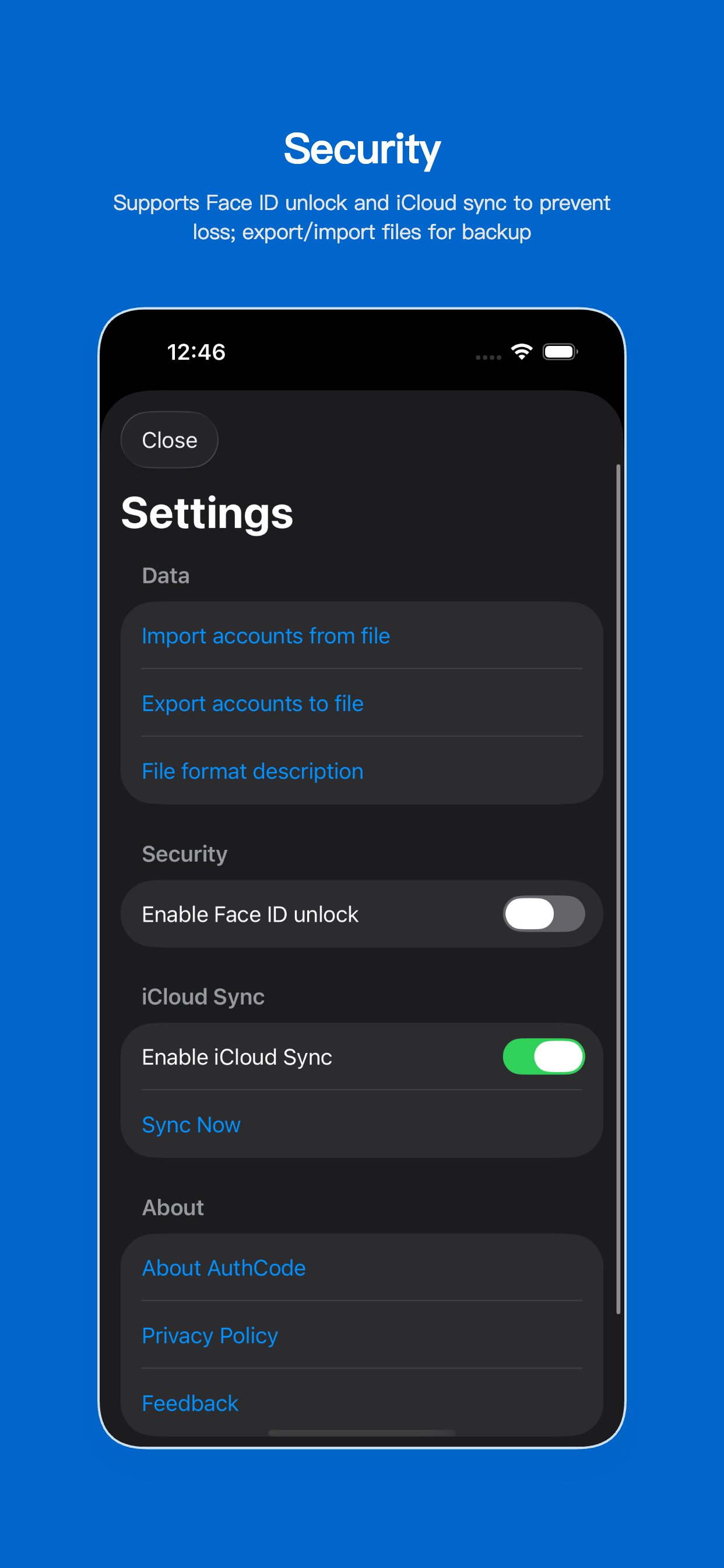
Click any image to view full size点击任意图片可查看原图
Help & Support帮助与支持
Need help? Contact us through:遇到问题或需要帮助?您可以通过以下方式联系我们:
- Email:电子邮箱: [email protected]
- Issue feedback:问题反馈: GitHub Issues
- User guide: see FAQ below使用指南:请参阅下方常见问题
Response time: within 24 hours on weekdays; Languages: Chinese, English.响应时间:工作日 24 小时内;支持语言:中文、英文。
FAQ常见问题
How to add a 2FA account?如何添加 2FA 账户?
Tap Add, scan a QR code with the camera or enter the secret and parameters manually.在应用内点击“添加”,使用相机扫描二维码或手动输入密钥与参数即可。
How to migrate data to a new device?如何在新设备上迁移数据?
Use export/backup on the old device to create a file, then import it on the new device.在旧设备中使用导出/备份功能生成文件,并在新设备中导入该文件完成迁移。
Is my data uploaded to a server?我的数据是否会上传到服务器?
No. Codes are generated locally and your 2FA data is never uploaded. See the privacy policy.不会。应用本地生成验证码,不会上传您的 2FA 信息。详见隐私政策。
What if I forget the secret or lose my device?忘记密钥或丢失设备怎么办?
Contact the service provider’s account support. We cannot recover third-party 2FA secrets.请联系对应服务提供商的账户支持流程。我们无法恢复第三方服务的 2FA 密钥。
Download下载
Get AuthCode from the App Store从 App Store 获取 AuthCode
Download on the App Store在 App Store 下载